
Meshopt or Draco
Geometry is packed with EXT_meshopt_compression or KHR_draco_mesh_compression, the two standard glTF compression extensions. Draco also quantizes positions; meshopt keeps them at full precision.
Shrink GLB and glTF files for the web. Compress the geometry with meshopt or Draco, simplify the mesh and resize textures, then compare before and after.
Compressing
Compressed in your browser. Files are never uploaded.
Check the result, or make a GLB from another format first.
Drop a .glb, or a .gltf with embedded data. The original file is never changed.
Pick meshopt or Draco for the geometry, then optionally simplify the mesh and shrink the textures.
Check size, triangles and textures before and after, flip the preview, then download the new GLB.
The sample globe with the default settings: Draco geometry and WebP textures. Sizes are measured by this tool in the browser.
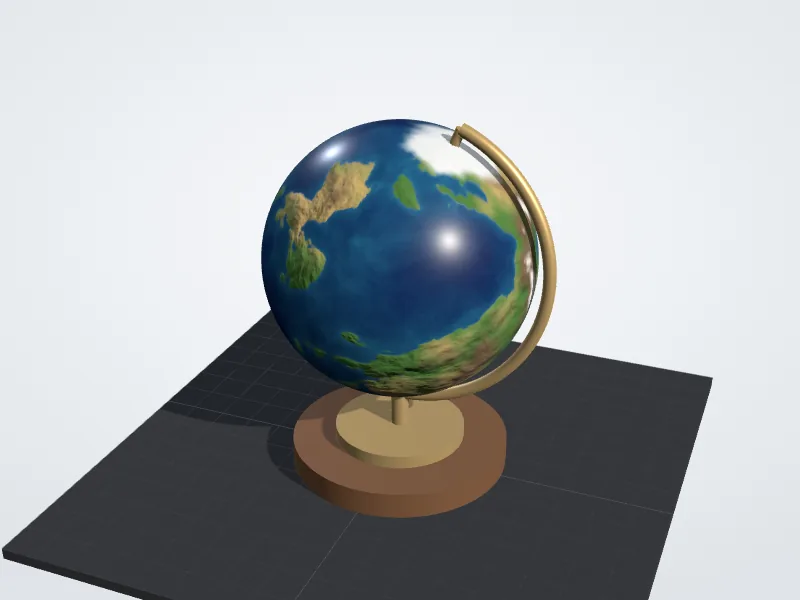
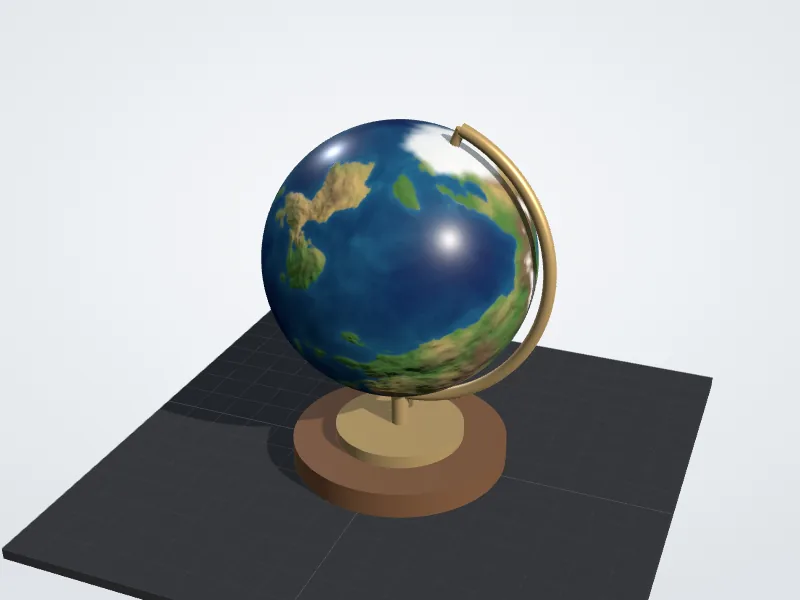
The standard glTF compression methods, run in your browser with open source code.
Geometry is packed with EXT_meshopt_compression or KHR_draco_mesh_compression, the two standard glTF compression extensions. Draco also quantizes positions; meshopt keeps them at full precision.
Aims for 75, 50 or 25 percent of the triangles with the meshoptimizer simplifier, and stops early rather than distort the shape.
Textures are resized to 2048, 1024 or 512 pixels and re-encoded as WebP or JPEG. Transparent textures stay PNG when you pick JPEG.
File size, triangles and texture data side by side, with a preview you can flip between the original and the result.
Compression runs in your browser with WebAssembly. The model is never uploaded, so client and unreleased work stays with you.
The result lists the extensions a viewer must support, such as EXT_meshopt_compression or EXT_texture_webp, so you know where it will open.
The model keeps its structure and size. It trades a little precision, and optionally detail, for a smaller file.
Which method to pick, where the result opens, and when to simplify or shrink textures.
Both shrink geometry only. Draco, from Google, usually gives the smallest meshes. Meshopt, from the meshoptimizer project, decodes faster, also packs animation and morph targets, and its output squeezes further when a server gzips it.
These are the sizes this tool produced for our two samples. Textures are kept as they are in every row except the last.
Original
Meshopt
Draco
Draco, WebP 1024 px
A compressed GLB marks its extensions as required, so an app without support refuses the file instead of showing it broken. The web viewers below decode all three; game engines and desktop apps vary, so check their documentation.
If an app cannot open the result, set geometry to None and textures to Keep. You still get the cleanup (duplicates and unused data removed) with a GLB any glTF app reads.
three.js
Babylon.js
<model-viewer>
ImgToSTL viewers
Blender glTF importer
Scans, photogrammetry and AI generated models often carry far more triangles than a web page or AR view can show. Simplifying them is the biggest saving after textures, and phones render the result faster.
Skip it for low poly models, CAD parts with crisp edges and anything you plan to 3D print in fine detail. Turn on wireframe and flip between Original and Compressed to see what changed. The simplifier stops early when going further would bend the shape by more than about one percent of the model's size.
In most textured GLBs the images, not the triangles, take most of the space. 2048 pixels suits close-up product views; 1024 is usually plenty on a phone, and halving the size cuts the pixel count by four.
WebP is usually the smallest and keeps transparency, but needs EXT_texture_webp support. JPEG opens everywhere and has no alpha, so transparent textures stay PNG. Both are lossy, which can add faint banding to normal maps. GPU formats such as KTX2 are left as they are.
Slicers do not read GLB, and printing gains nothing from a smaller file. Compress for the web and AR, and convert the original model to STL or 3MF for printing.
Answers about methods, compatibility, privacy and results.