
Three print styles
Freestanding letters, raised text on a plate, or a stencil with the letters cut through.
Type a word, pick a font and a style, and download a watertight STL sized in real millimeters. Nothing leaves your browser.
For two colors, add a filament change at 3 mm in your slicer. Everything above it is lettering.
Runs in your browser. Nothing is uploaded.
Measure the STL, pack it for a multi-color slicer, or make a badge from a logo instead.
Enter up to three lines. Names, house numbers and short labels print best, because every stroke needs room for the nozzle.
Choose Letters, Name plate or Stencil, then set the size and heights in millimeters. The preview updates as you type.
Save the STL and open it in Cura, PrusaSlicer, Bambu Studio or OrcaSlicer. It is closed and to scale, so it slices without repair.
The same word built in two styles by this tool.
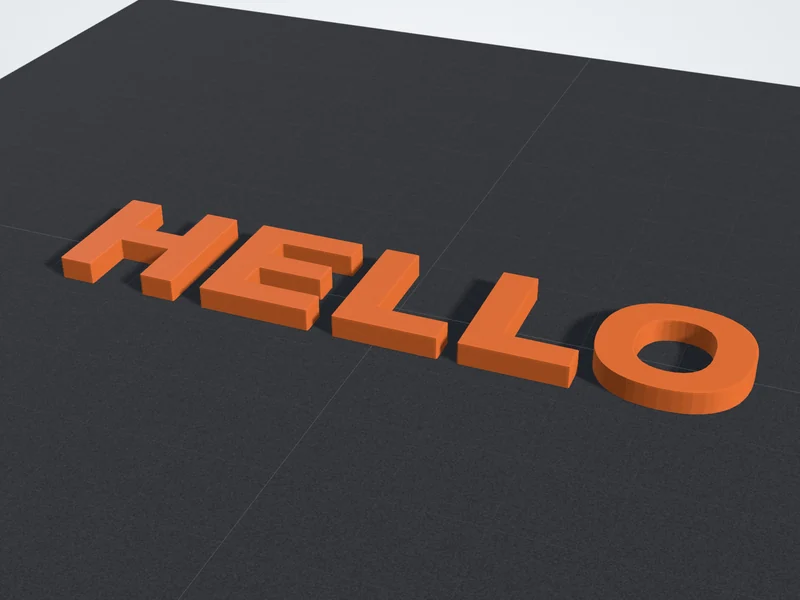
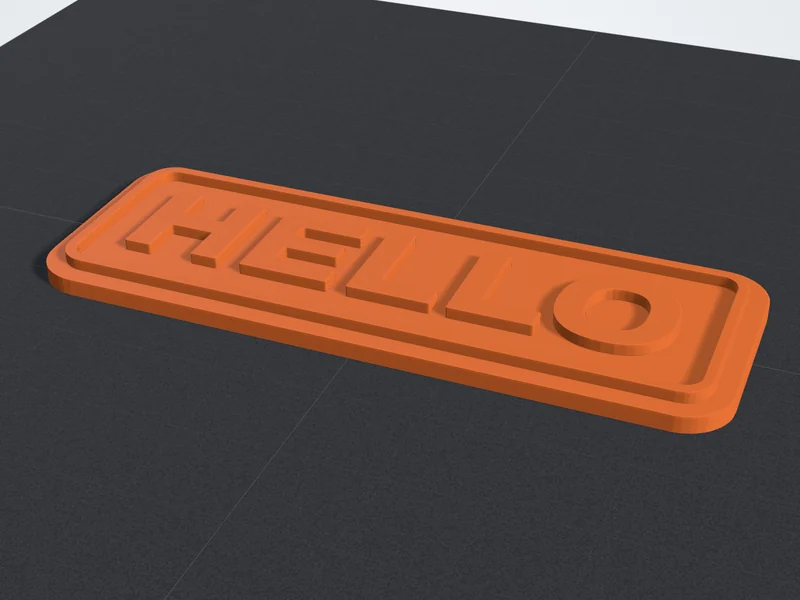
Made for names, numbers and short labels that have to print cleanly.
Freestanding letters, raised text on a plate, or a stencil with the letters cut through.
Bold, Rounded, Script, Stencil, Condensed and Mono, each previewed with your own text.
Set the longest side from 20 to 250 mm and read the size, volume and filament weight under the preview.
Tie loose letters together with a base bar, or frame a name plate with a raised border.
The model is built in your browser, so your text is never sent anywhere.
No sign-up and no download limit. Make as many versions as you need.
Four choices decide whether text prints sharp or breaks off the plate.
A 0.4 mm nozzle needs two lines per stroke. Bold, even-weight fonts give solid walls; hairline serifs fail first.
The capital height shows under the sliders and turns amber below 5 mm. Give Script 8 mm or more.
At 0.2 mm layers, 2 mm letters are ten layers: enough for crisp sides and a solid top.
On a name plate, add a filament change at the first layer above the plate. The hint under the sliders gives that height.
Four common prints with a size and thickness to start from.
Use Letters with the base bar on, so the whole name prints as one piece.
50 to 70 mm, 3 mm thickA name plate with the border on. Change filament above the plate for two-tone text.
150 to 200 mm, 4 mm plate, 2 mm lettersFreestanding letters printed thick. PETG or ASA handle sun and heat better than PLA.
150 to 250 mm, 6 to 8 mm thickThe Stencil style with the Stencil font, so O, A and B keep their middles.
100 to 200 mm, 1.2 to 2 mm thickFonts, sizes and two-color printing in detail.
A 0.4 mm nozzle lays a line about 0.45 mm wide, so any stroke thinner than two lines, roughly 0.9 mm, prints weak or vanishes. Bold, even-weight fonts like the default give the slicer solid walls. Hairline serifs, thin scripts and tiny punctuation fail first.
Letter size matters as much as the font. Keep capital letters at least 5 mm tall for readable text, and 8 mm or more for the Script font, whose joins are thin. The tool shows the capital height under the sliders and warns you when it drops below 5 mm. If a long name gets too small, split it over two lines.
Your build plate sets the upper limit and readability sets the lower one. These starting points print well with a 0.4 mm nozzle at 0.2 mm layers.
Height is counted in layers. At 0.2 mm, a 2 mm raised letter is ten layers, enough for crisp sides and a solid top. For signs that live outdoors, print in PETG or ASA, which handle sun and heat better than PLA, and use at least three walls.
Keychain
Desk sign
Door sign
House number
Paint stencil
The Name plate style suits single-nozzle printers. The plate ends at one flat height and everything above it is lettering, so a single color change gives you two-tone text. In your slicer, add a filament change at the first layer above the plate thickness. The hint under the sliders shows that height.
High-contrast pairs read best from across a room: white on black, black on yellow, white on blue. Raise the letters at least 1 mm so the new color fully covers the old one. A stencil needs no color change: print it in one color, then dab or spray paint through it.
Answers about cost, repairs, small text, stencils and other alphabets.